
Your databases and data files in one window
Postgres, Supabase, SQL Server and your CSV, Parquet and SQLite files. Join them in one query, put it on a schedule, and let your agents ask too.
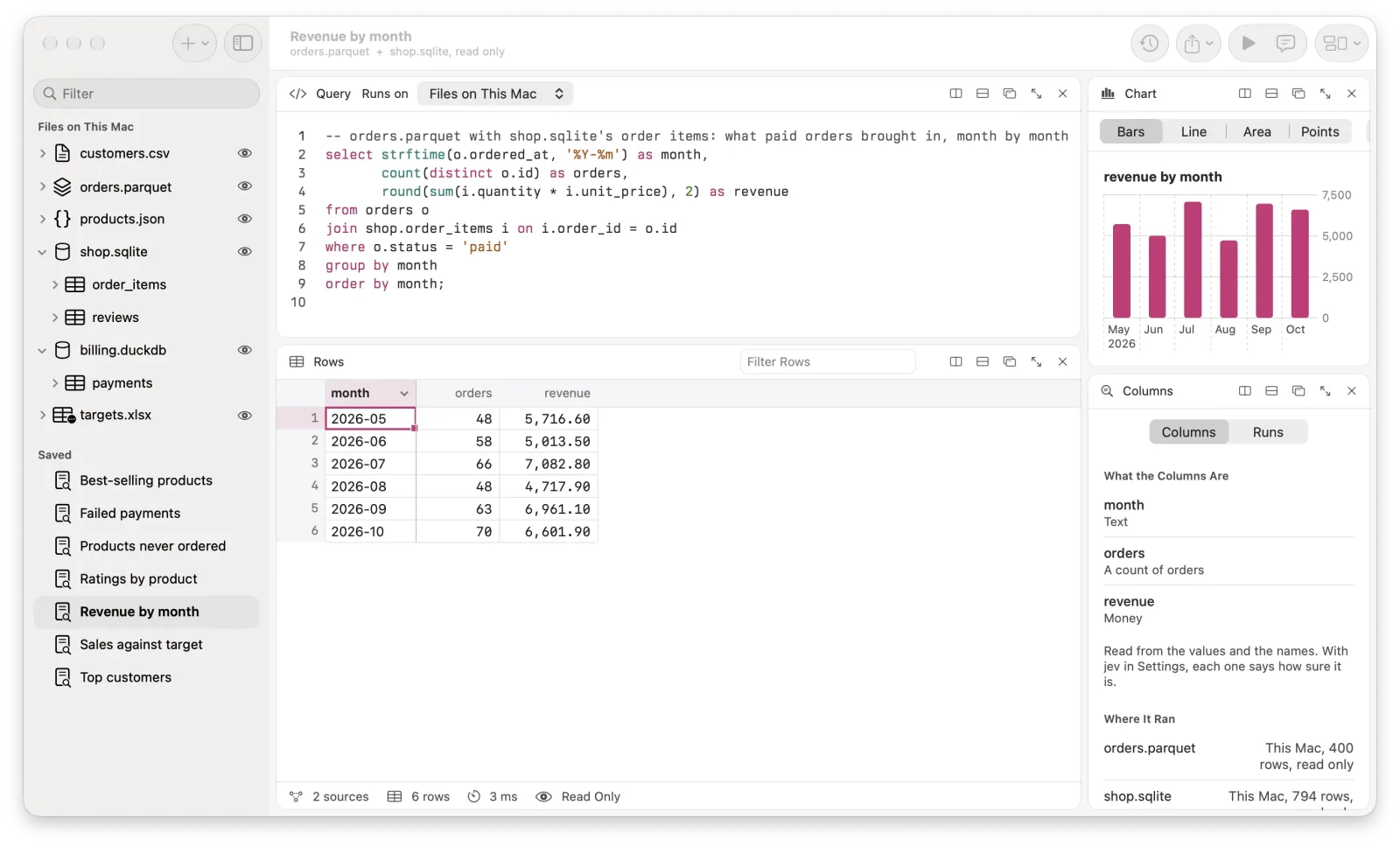
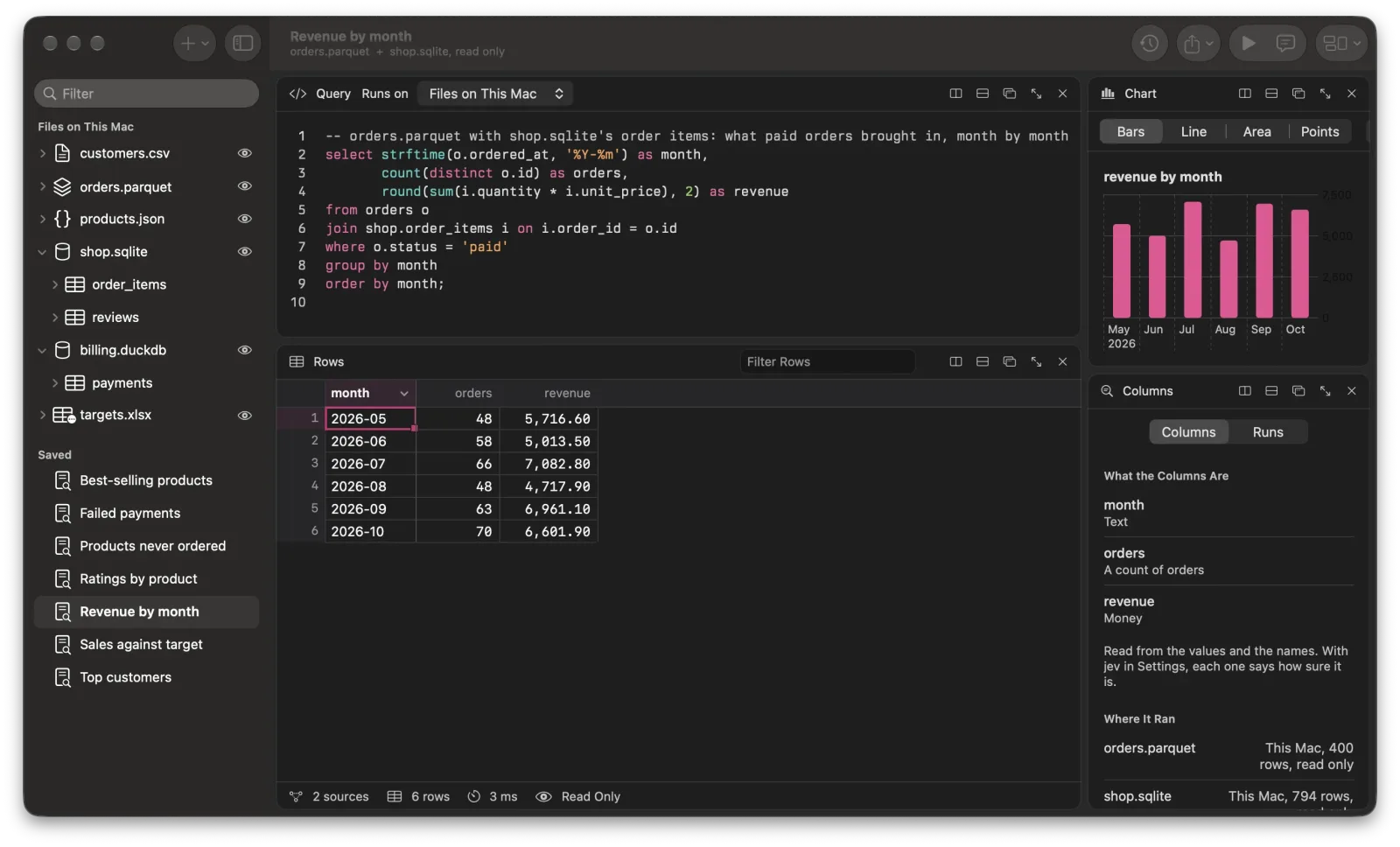
Ask and see
Write SQL with completion from your own tables and columns. See the answer as rows, as a chart or as the query plan. Ask in words, and the SQL appears in grey for you to run or change.
Every way in
Paste a connection string, or sign in to PlanetScale or Supabase and pick the database. Open files from the Finder, or drop them on the window.
Cloudflare
Query D1 with each database's Query Insights, KV namespaces as tables, Analytics Engine, Hyperdrive's databases, R2's files and a Basin catalog's Iceberg tables. All of it read only.
Safe by default
A connection only reads until you switch it to writes. A change runs first as a dry run that counts its rows and copies the ones it touches, then waits for Touch ID. Put Back restores the copy.
Agents
With Pro, Claude Code, Claude Desktop and Cursor query your databases through Supersql on this Mac. They read through read-only sessions, and a change they want waits for your Touch ID.
On a schedule, and as files
Saved queries are plain .sql files in a folder you pick. Run one every few minutes, every hour or every day, keep every run, and get a notification when its number goes past a line you set.